
How can I export CSV reports from UVexplorer?
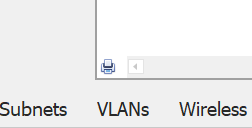
On the Reports tab at the bottom of the window, click the printer icon in the bottom-left corner.
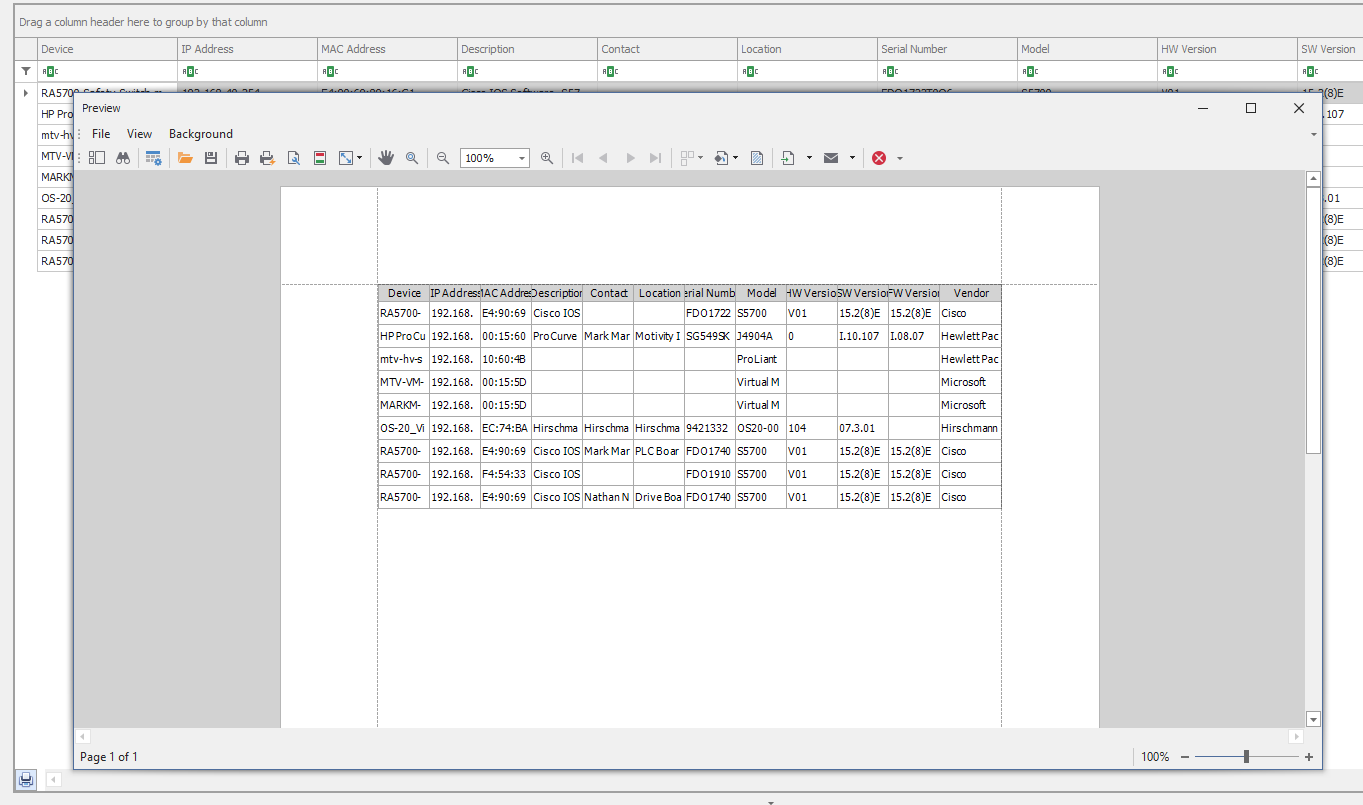
The Preview dialog box opens.
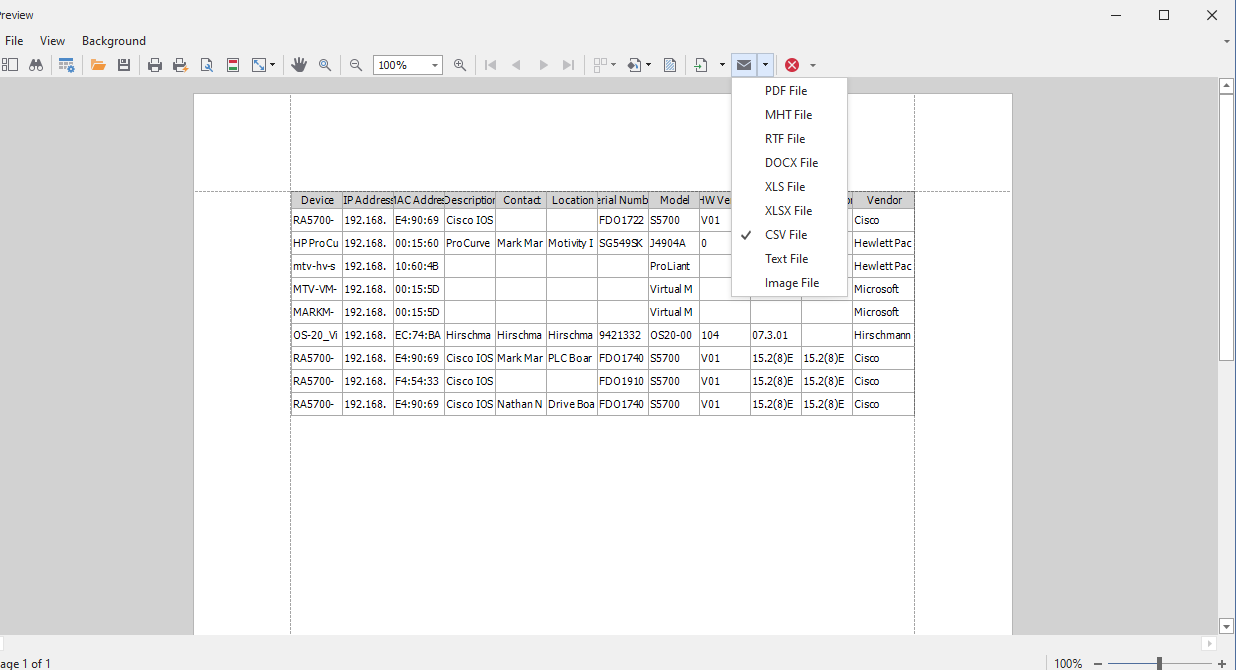
Select the export option and choose CSV.
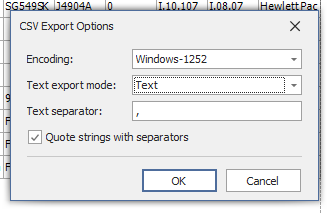
Select the encoding type, mode, and text separator.
The report is saved in your PC in CSV format.
