
How can I limit UVexplorer discovery to preferred devices?
To limit the device types that UVexplorer discovers, open Discovery Settings and go to the Include/Exclude Scopes tab.
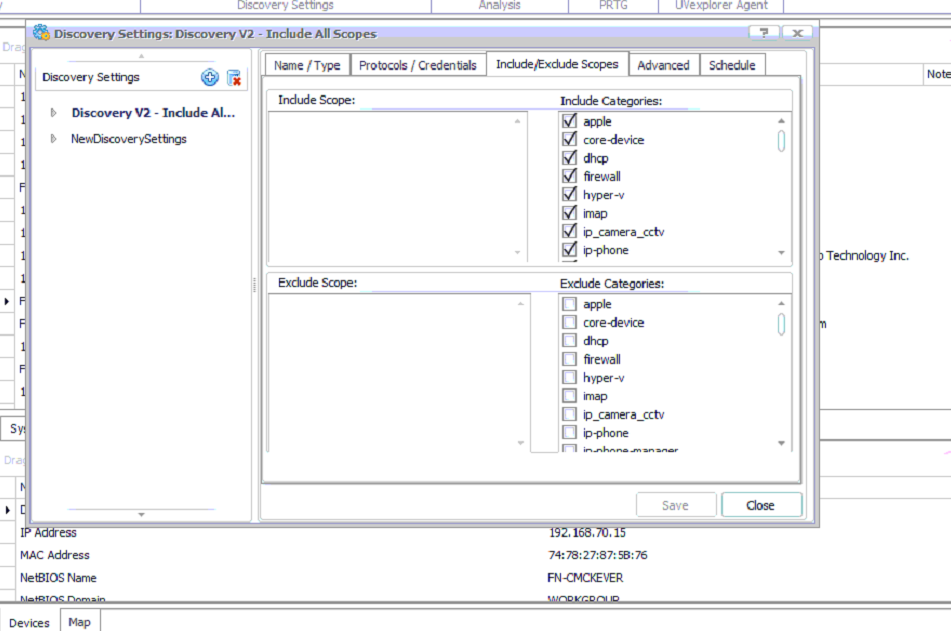
On this tab, select which devices to include or exclude. You can also include or exclude devices by IP address.
