How can I assign devices to a different category?
Assign a device to a specific category
If UVexplorer assigns a device to an incorrect category, use the following steps to permanently assign the device to a specific category for all future discoveries.
Go to Settings | User Categories.
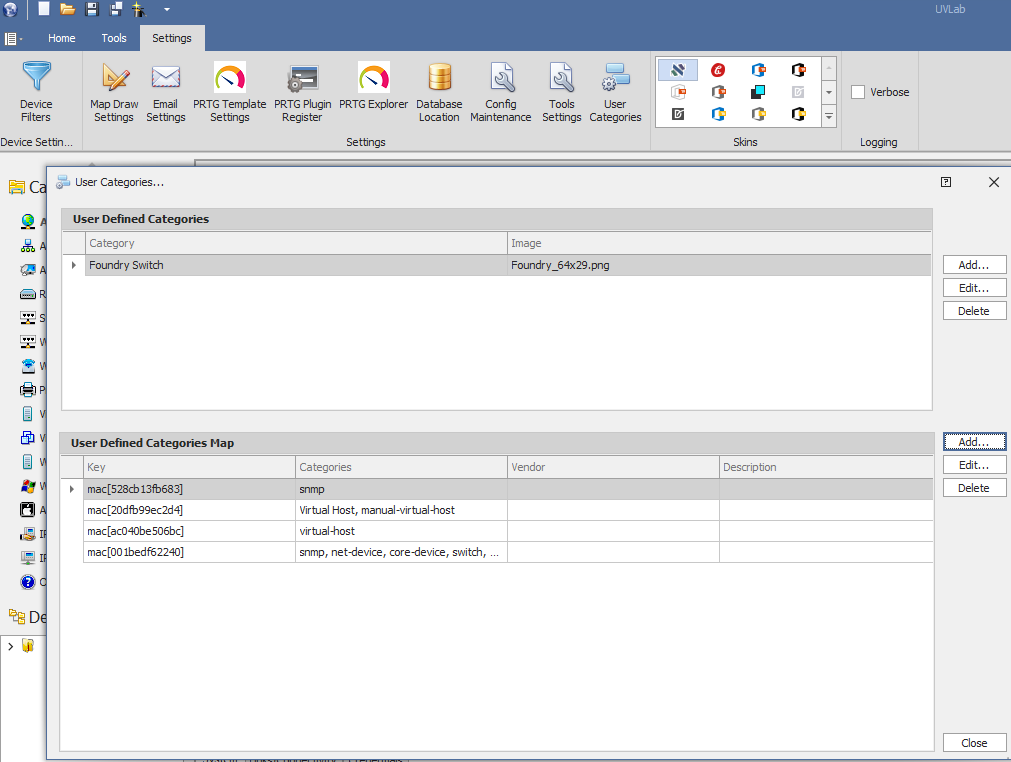
Under User Defined Categories Map, click Add.
In Key Type, select oid, mac, ip, or ip-range.
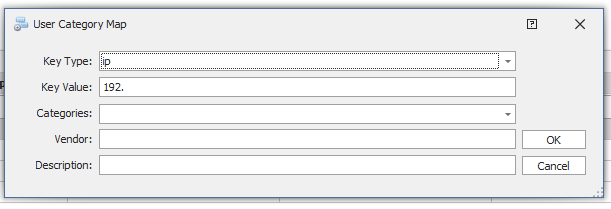
Enter the Key Value and select the category where you want to assign the device.
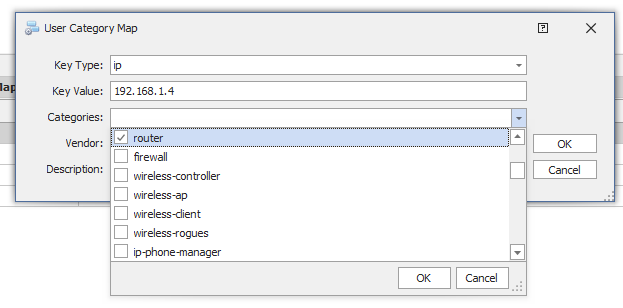
You may also include Vendor and Description to permanently assign them to the device.
Remove a category assignment
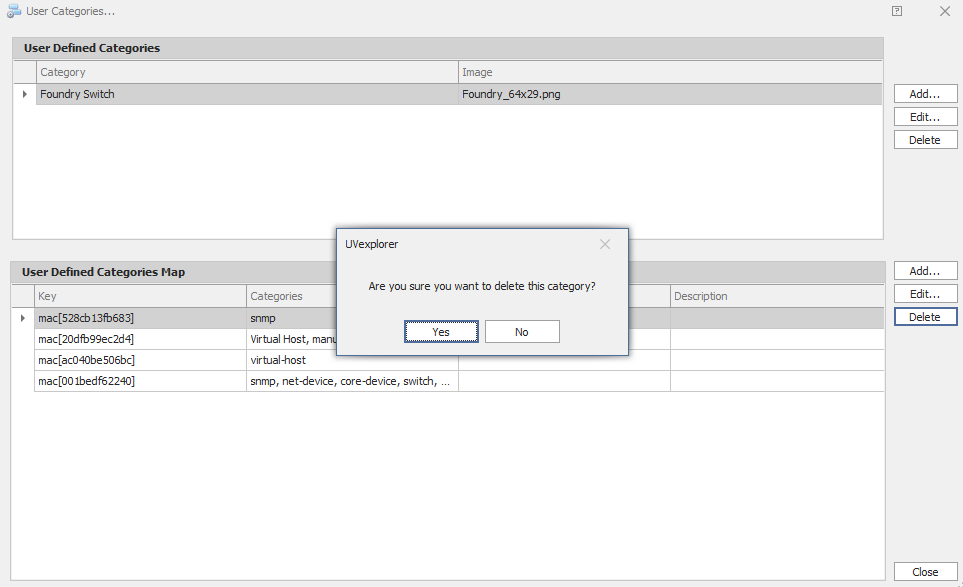
To remove a category assignment, click Delete.