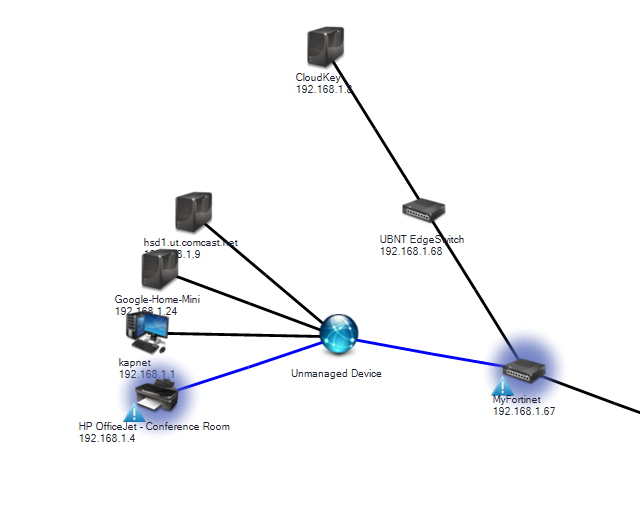
How can I change the display name on the map?
To select whether UVexplorer displays the devices on the map as Hostname, IP Address or Hostname / IP Address:
- Go to Settings | Map Draw Settings.
- In Display Name Setting drop-down list, select the display name.
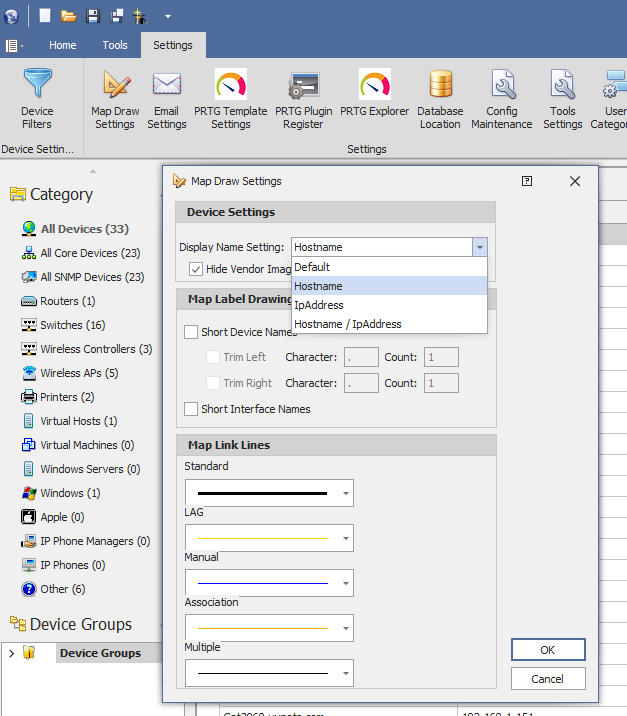
- Select Short Interface Names if you want to shorten device and interface names.