
How can I automate the creation of sensors in PRTG?
UVexplorer combines its in-depth network discovery with sensor creation in PRTG.
Go to Scheduled Discoveries on the toolbar and select the PRTG Export tab.
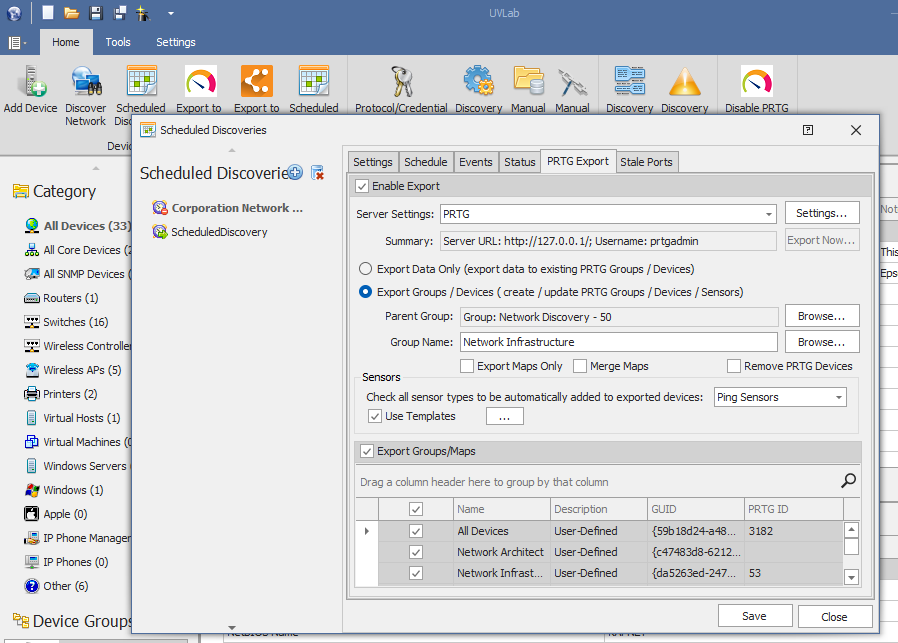
Select Export Groups / Devices. Select the Parent and Group names.
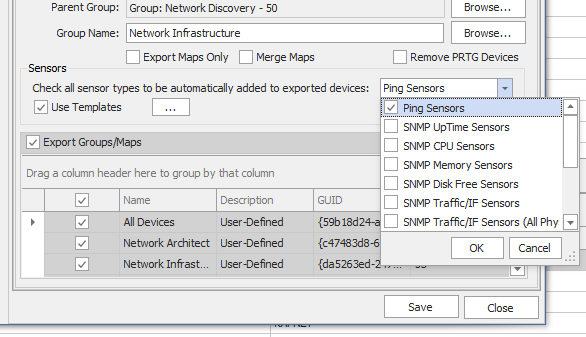
Select the sensors to add to the new devices.
To add specific sensors, select them from the dropdown list.
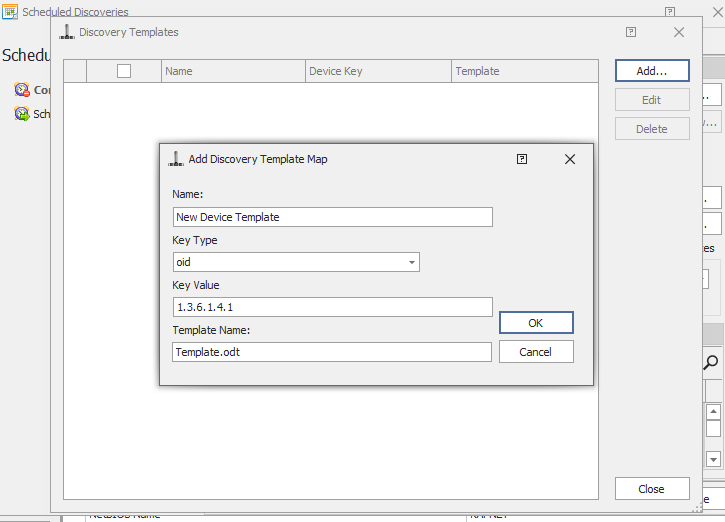
To use a template, select the Use Templates and select the PRTG device template. UVexplorer can also add discovery templates.
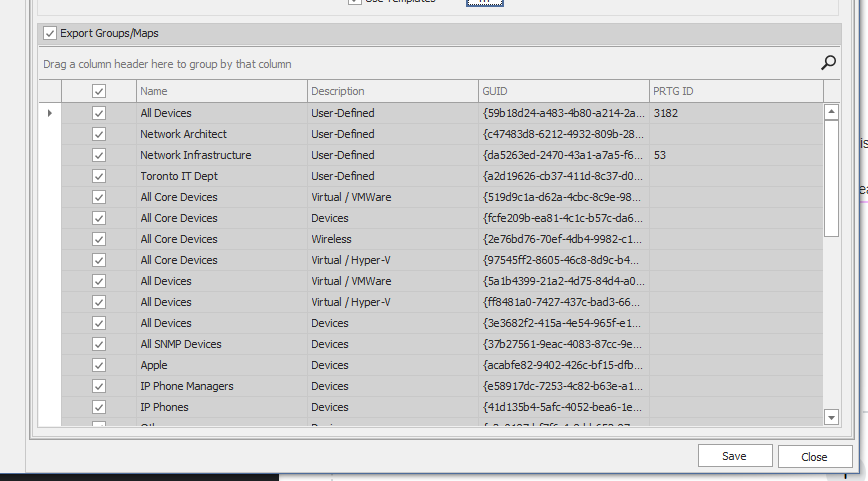
Select the groups to export.
Go to the Status tab and click Run Now.
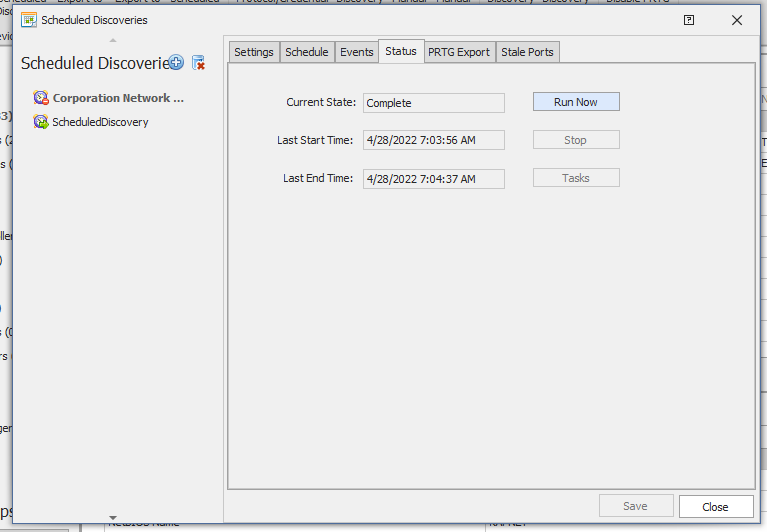
UVexplorer exports the discovered devices and groups into PRTG and adds the PRTG sensors to the device tree. This process works both for new network devices and devices already in PRTG.
