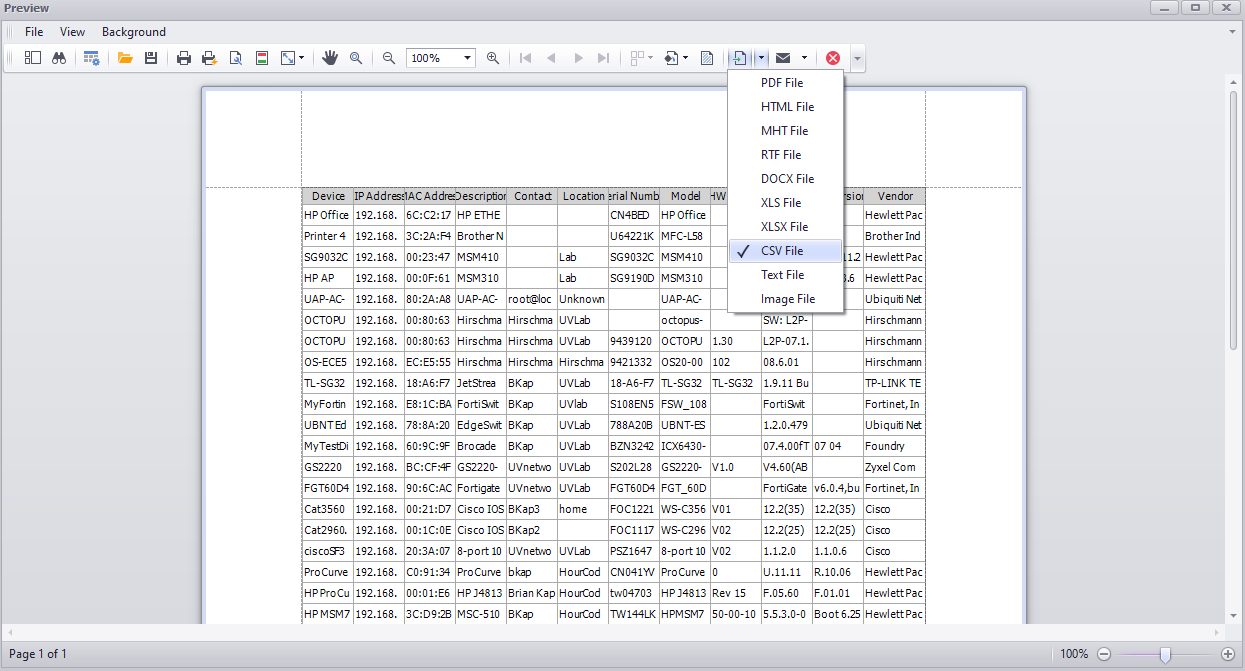
How can I export a PRTG device list via UVexplorer?
PRTG can only export a device list to a CSV file via API. With UVexplorer, you can discover the PRTG devices on your network and export them as a CSV file.
Connect UVexplorer to PRTG.
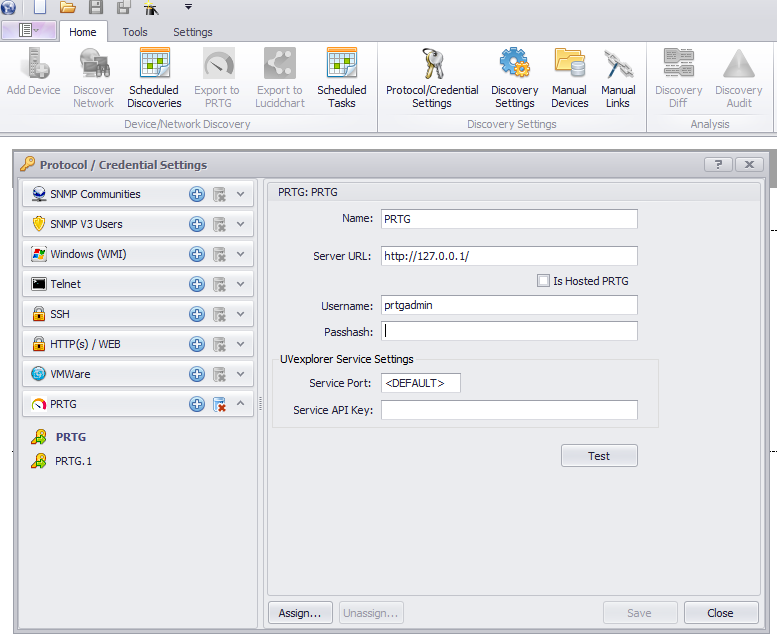
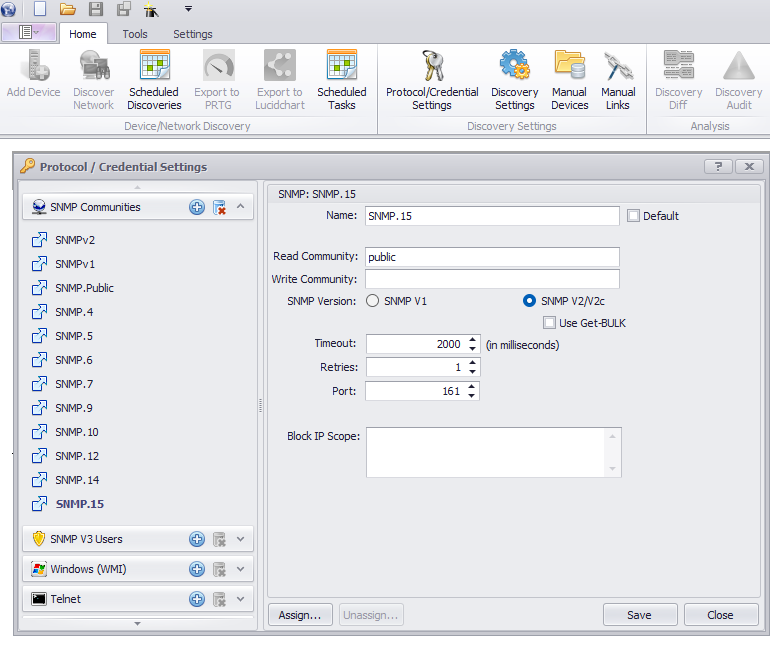
Enter the SNMP and other discovery credentials.
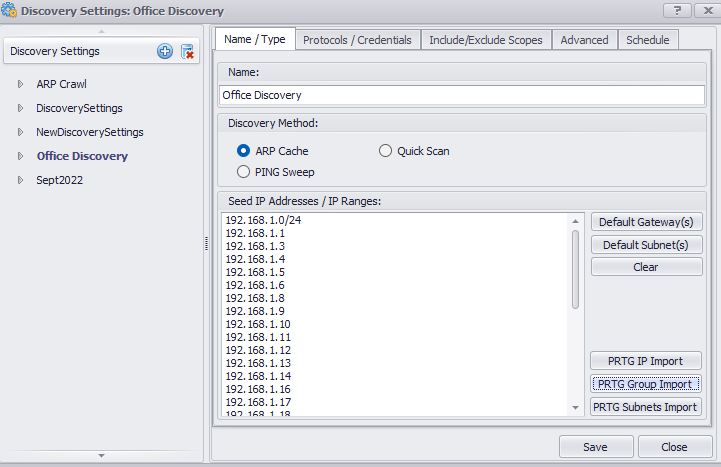
Run a discovery with the PRTG Group Import.
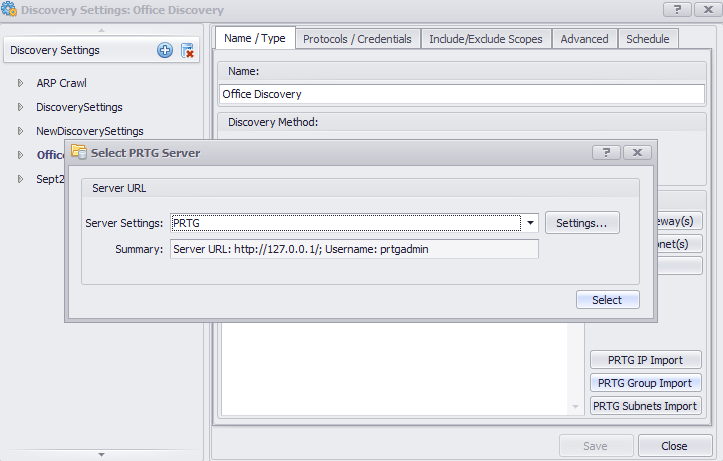
- This imports the list of PRTG devices without discovering all other devices on the network.
After the discovery finishes, go to Reports where you can see the list of discovered devices.
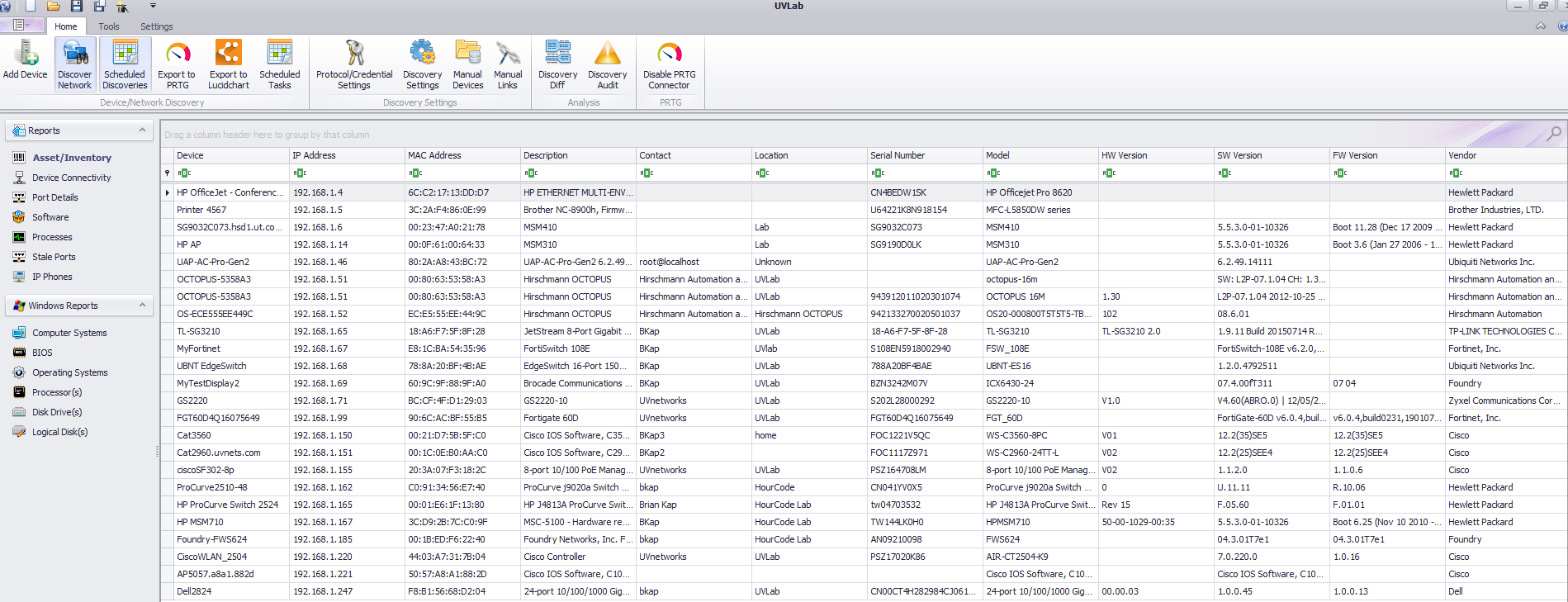
Export the devices to a CSV file.