
How can I do offline activation of UVexplorer?
Follow these steps to activate UVexplorer on a device without internet access.
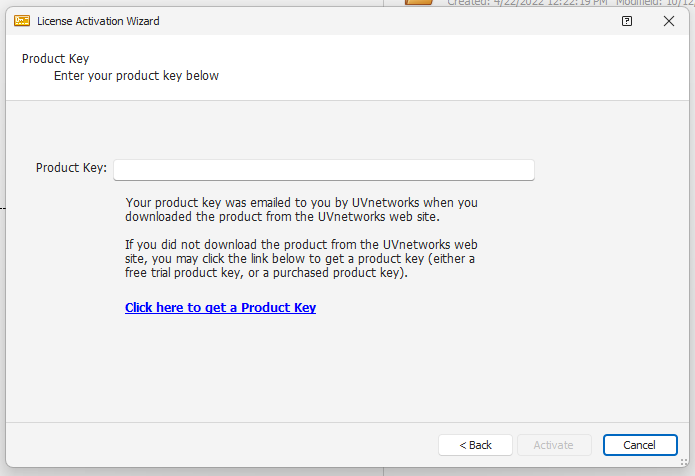
Enter your product key in Getting Started | License Activation Wizard.
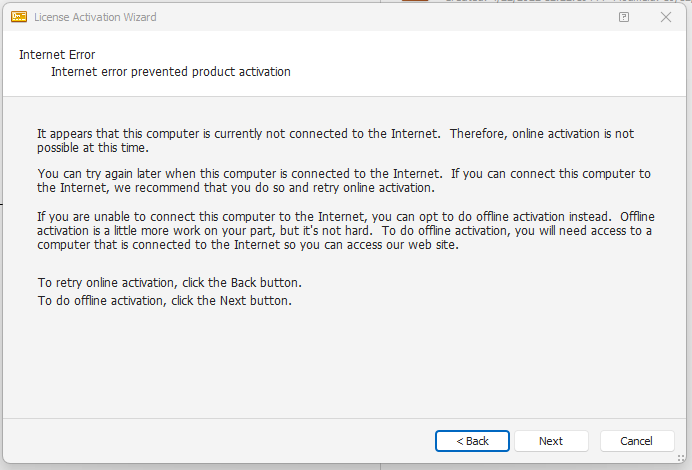
If UVexplorer detects no internet connection, it prompts you to activate offline. Click Next.
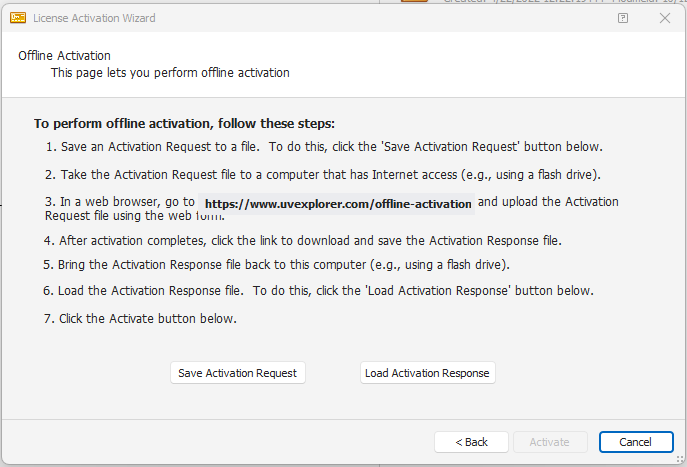
UVexplorer displays the steps to activate your license offline. Click Save Activation Request.
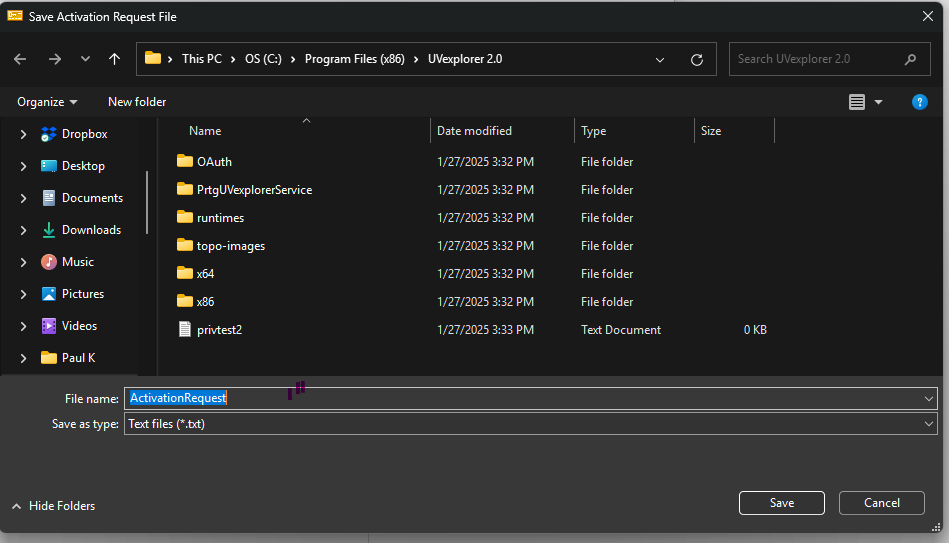
Save the activation file to your desktop. Move the file to a USB drive or network location accessible from a device with internet access.
On the internet-connected device, go to https://api.uvexplorer.com/offline-activation. Upload the ActivationRequest file and click Activate.
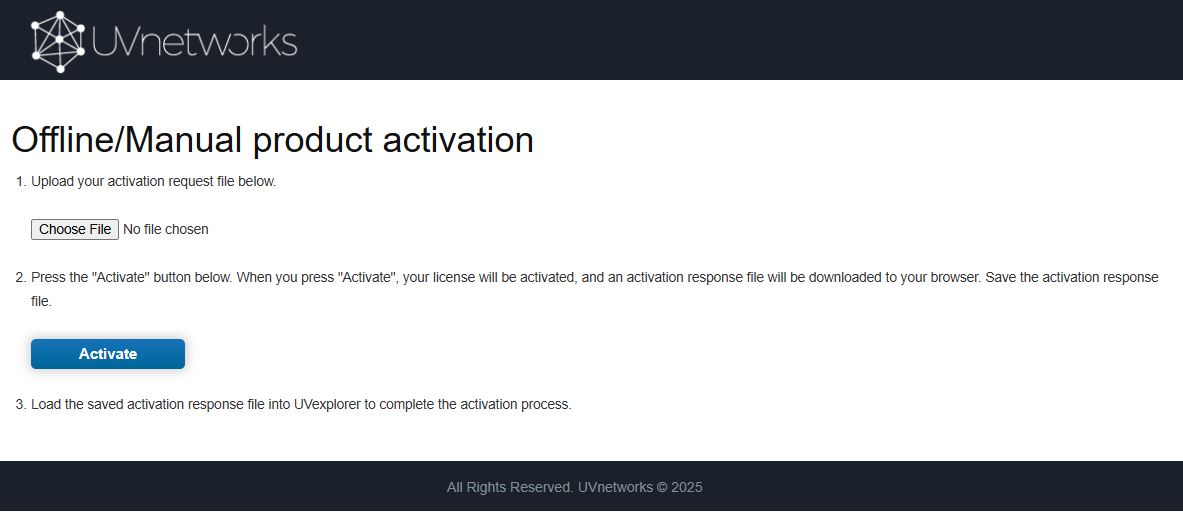
UVexplorer saves a SavedActivation file to the internet-connected device. Move this file back to the offline device and select Load Activation Response.
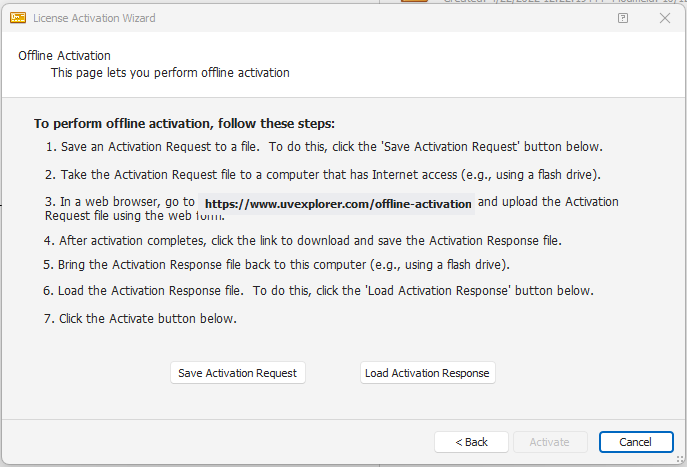
UVexplorer is now activated on the offline device.
