
How can I add manual devices and links to a UVexplorer map?
Add a Manual Device
Go to the Discovery tab and select Manual Devices.
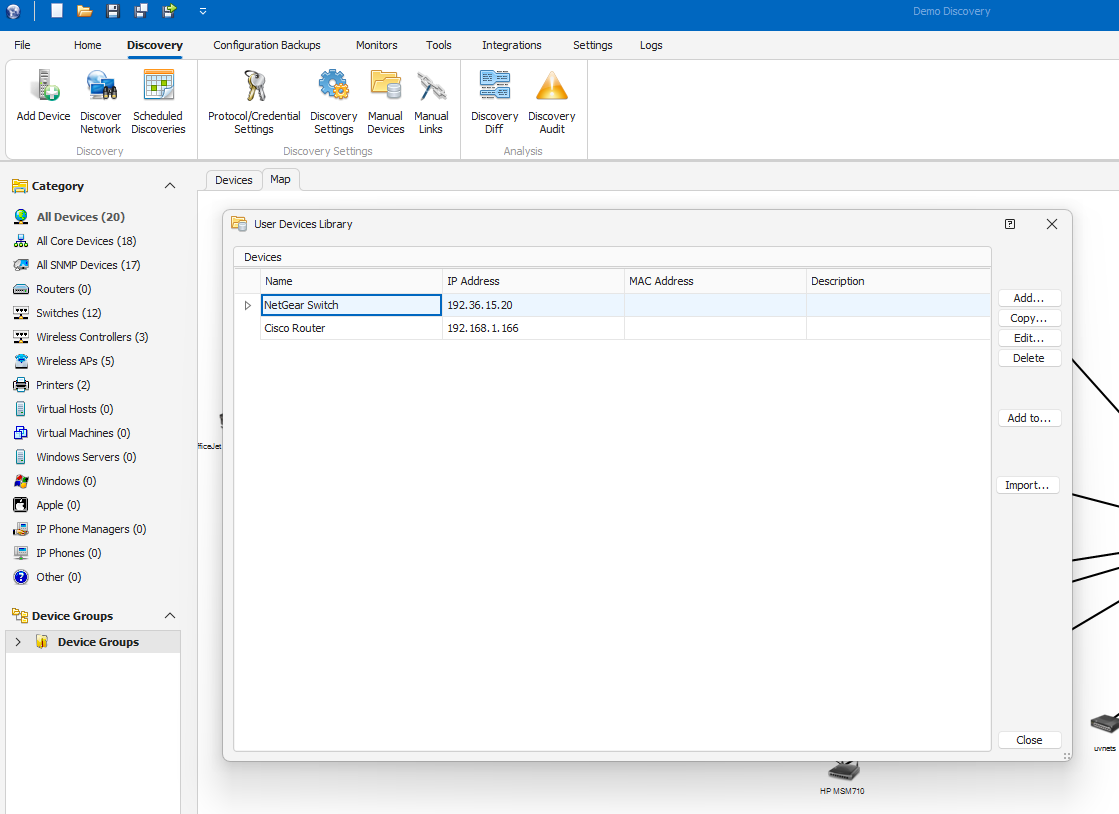
Click Add and enter the Name, IP Address (required), and other details that you want to include.
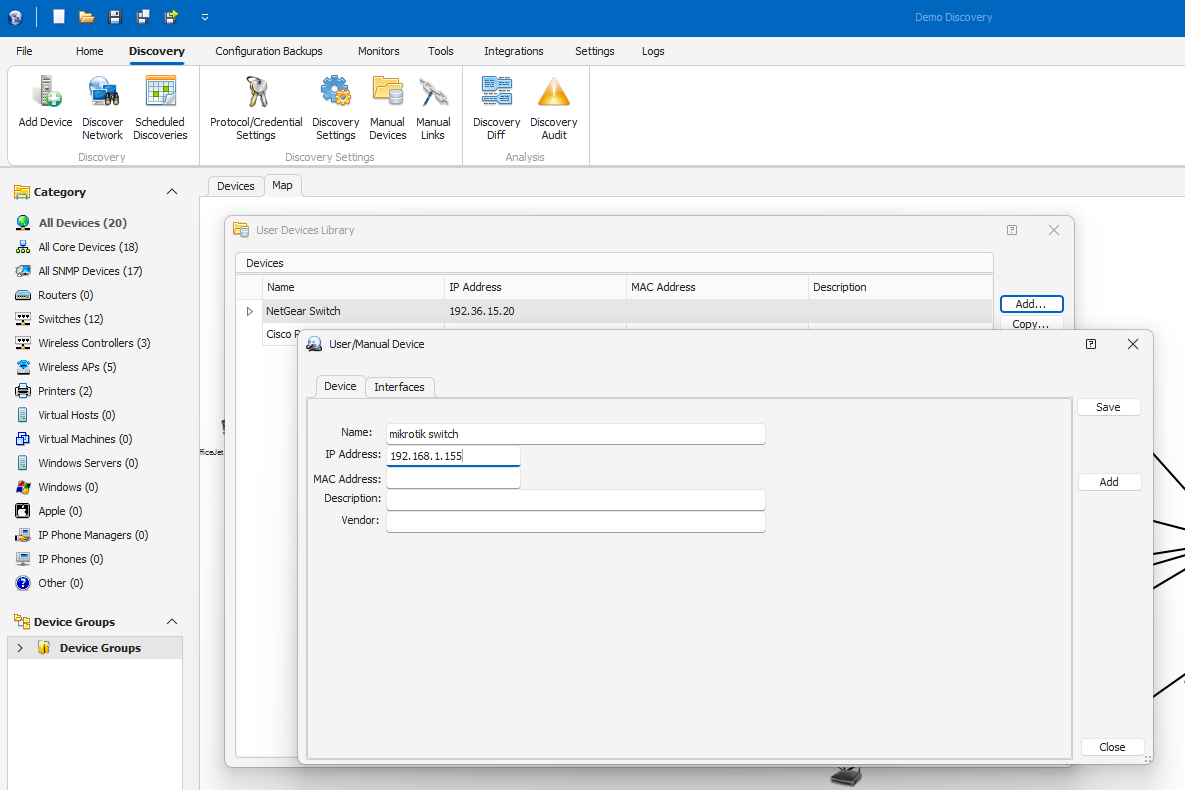
On the Interfaces tab, click Add.
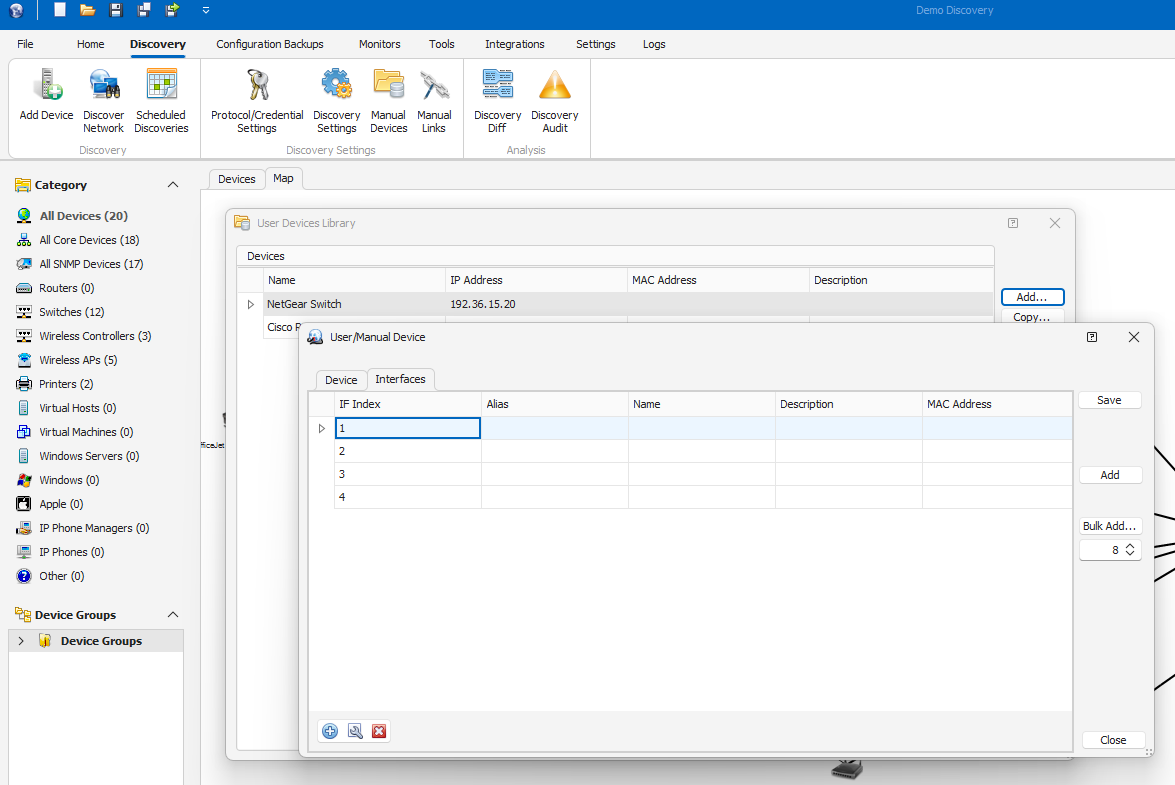
Enter the interface number and other details, and then click Save.
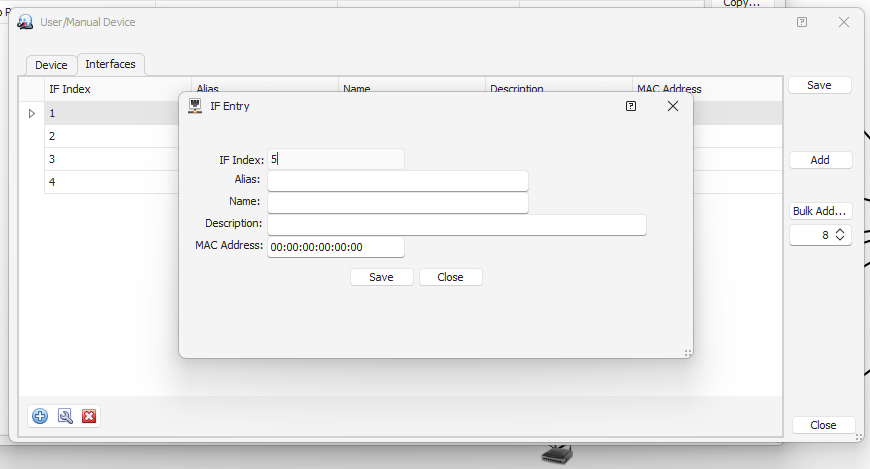
If you want to add multiple interfaces at once, click Bulk Add and enter the number of interfaces.
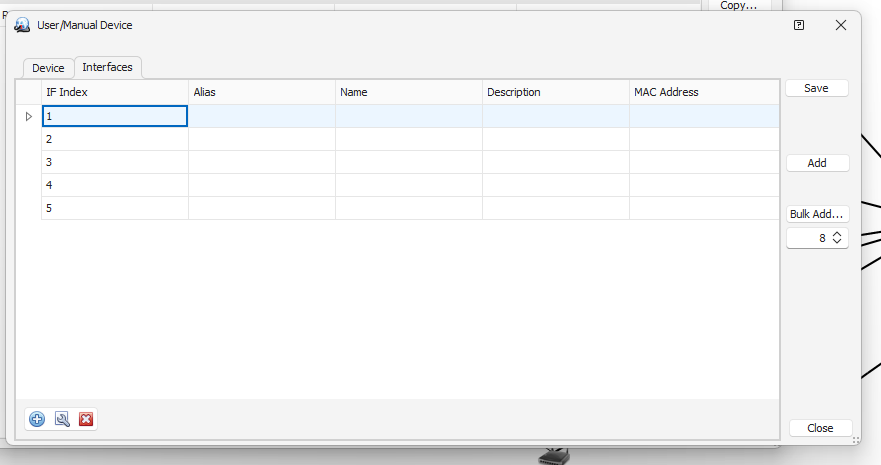
Click Save to add the manual device to the inventory. Click Yes to confirm your action.
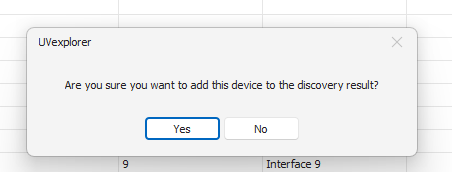
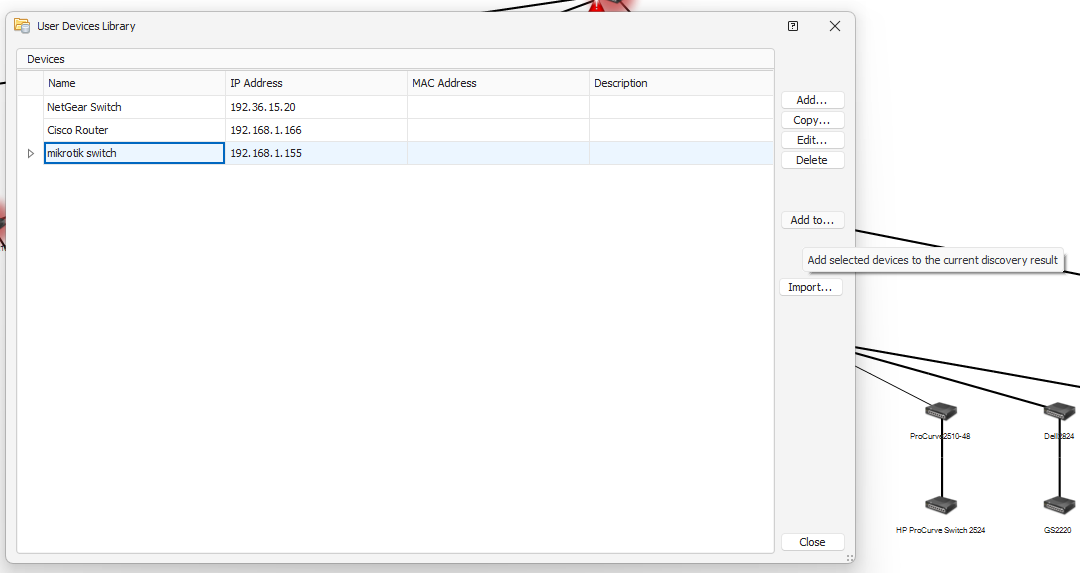
Select Add to to add the manual device to the current discovery.
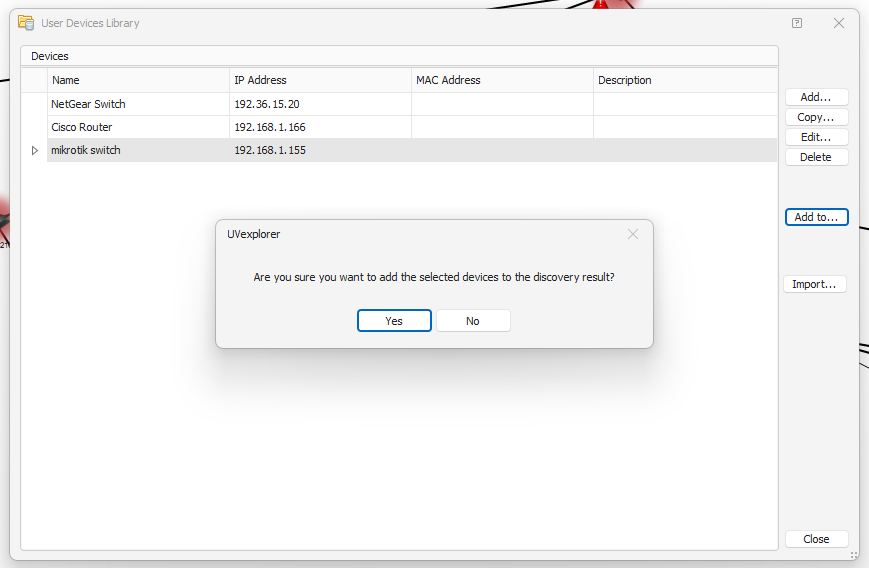
UVexplorer prompts you to confirm the addition. Click Yes and then click Close.
The manual device is now added to the map.
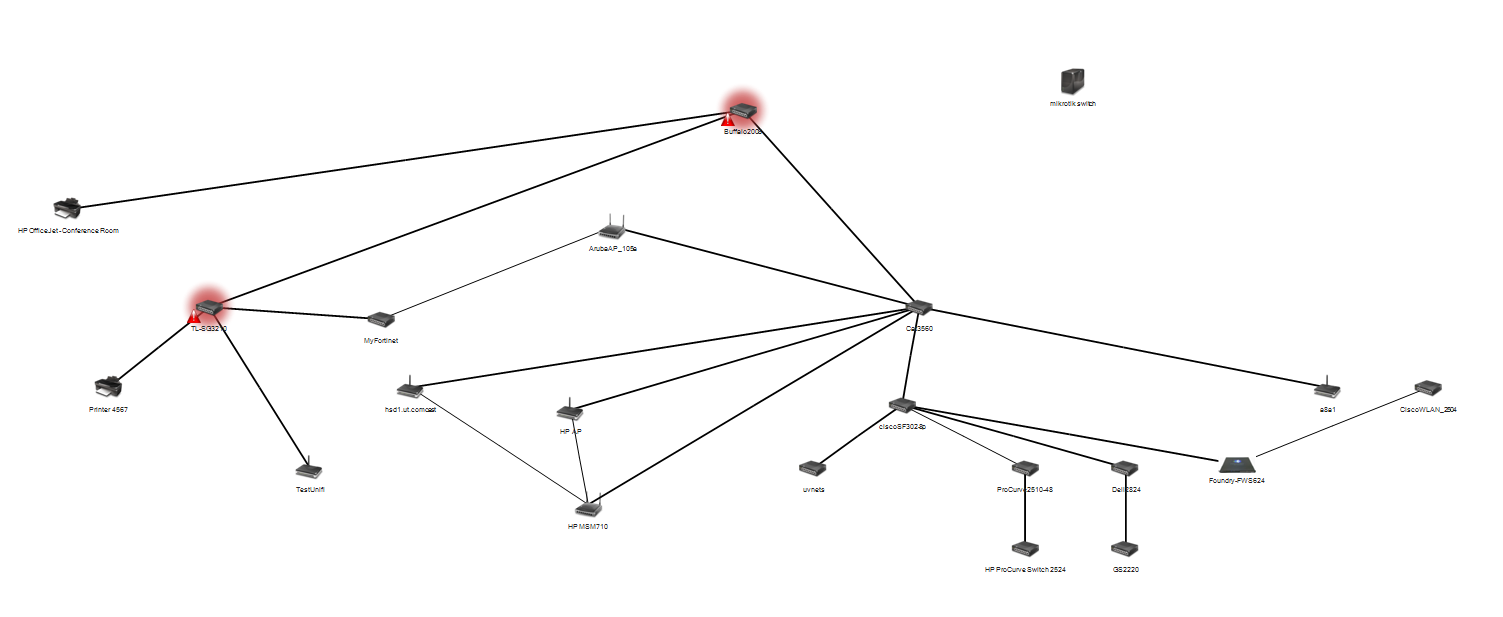
Add a a Manual Link between devices
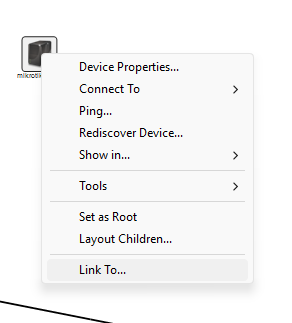
Right-click the device and select Link to.
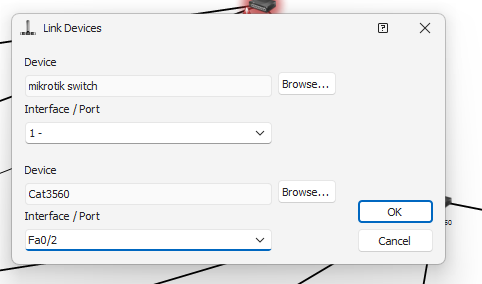
Select the device you want to connect to and select the interfaces on both devices.
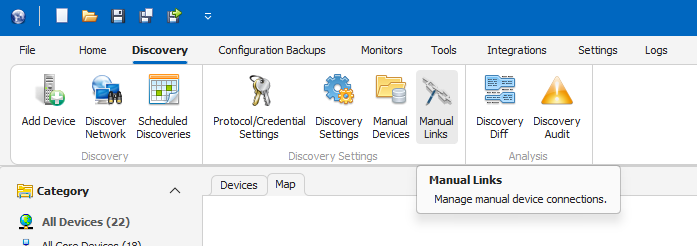
Go to Manual Links on the Discovery tab.
Select the manual link you want to add and click Add.
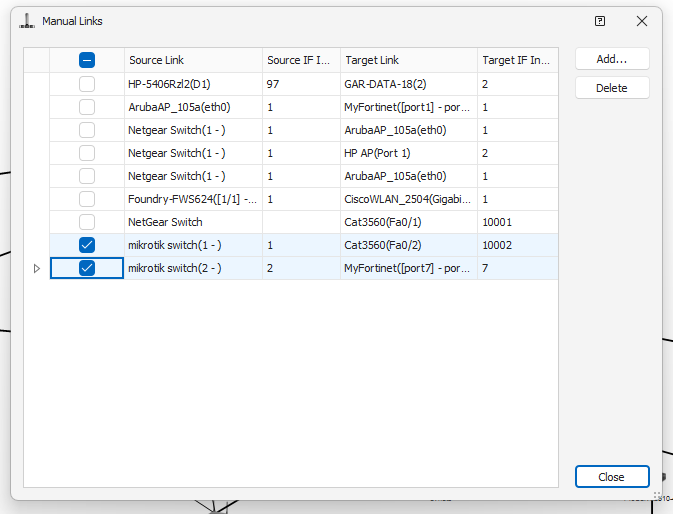
The manual link is now added to the 2 devices.
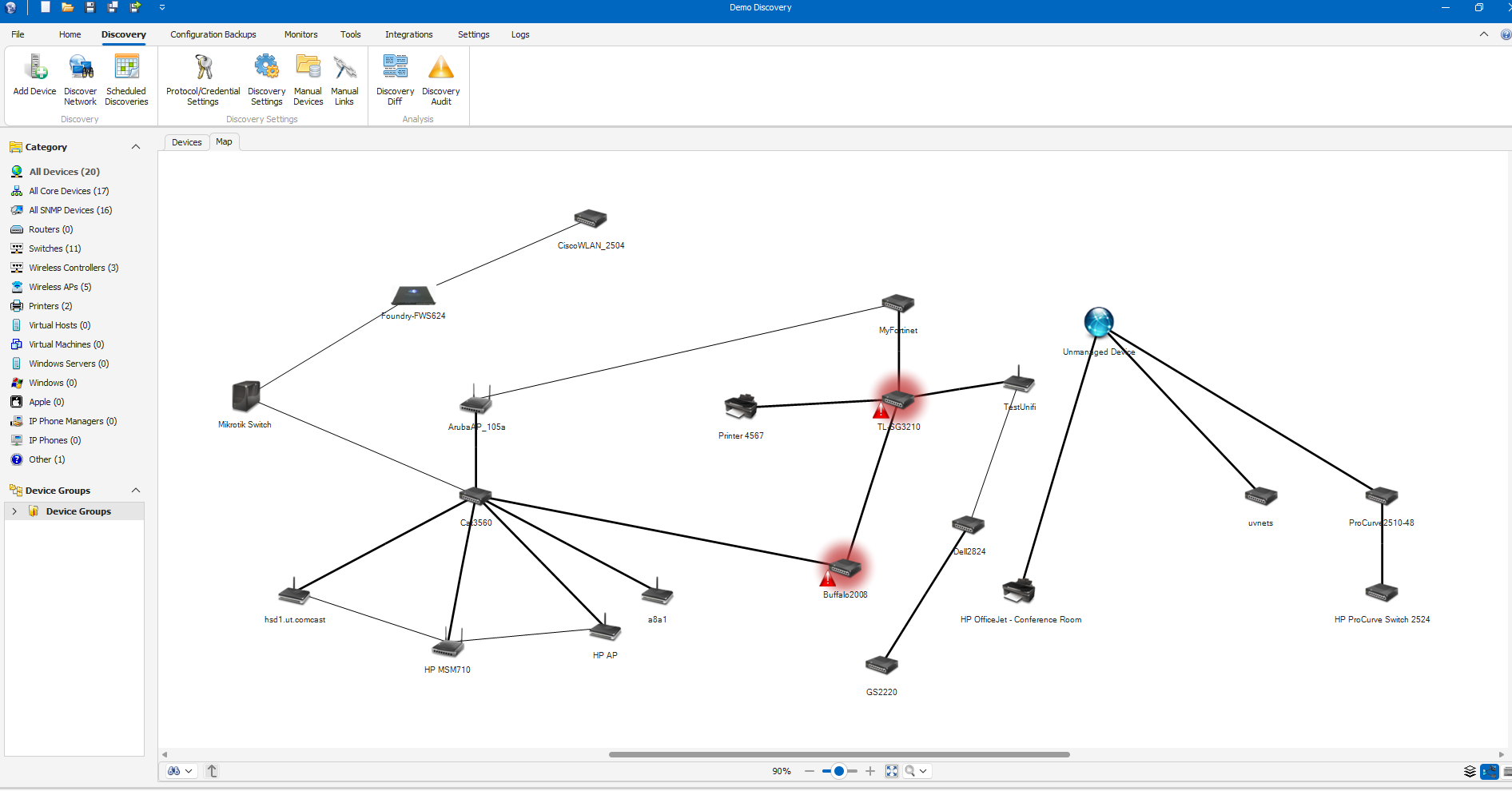
Note: If you have issues viewing manual devices or manual links, save the current discovery and reopen it.
